MICROSOFT INTUNE AND AUTOPILOT
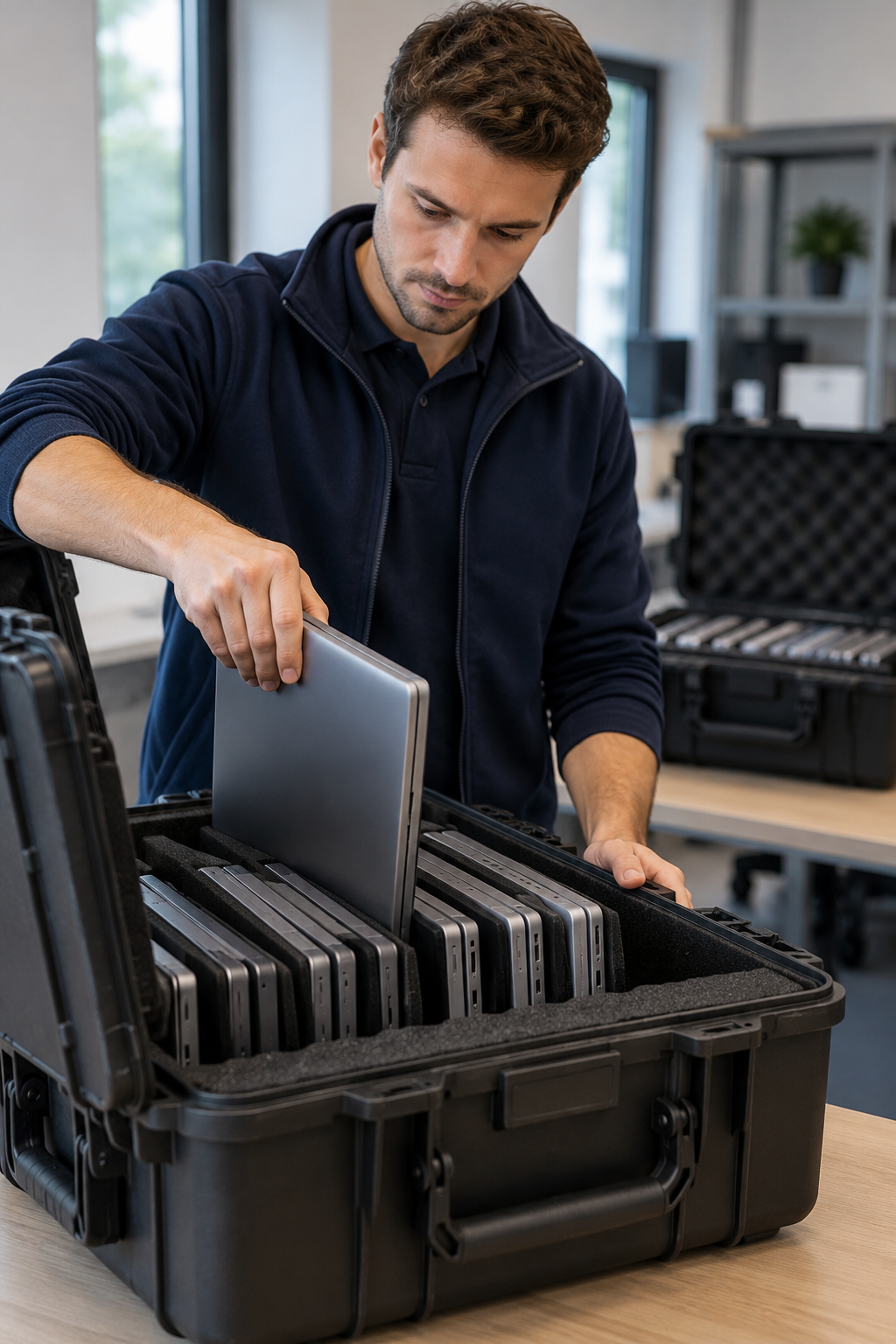
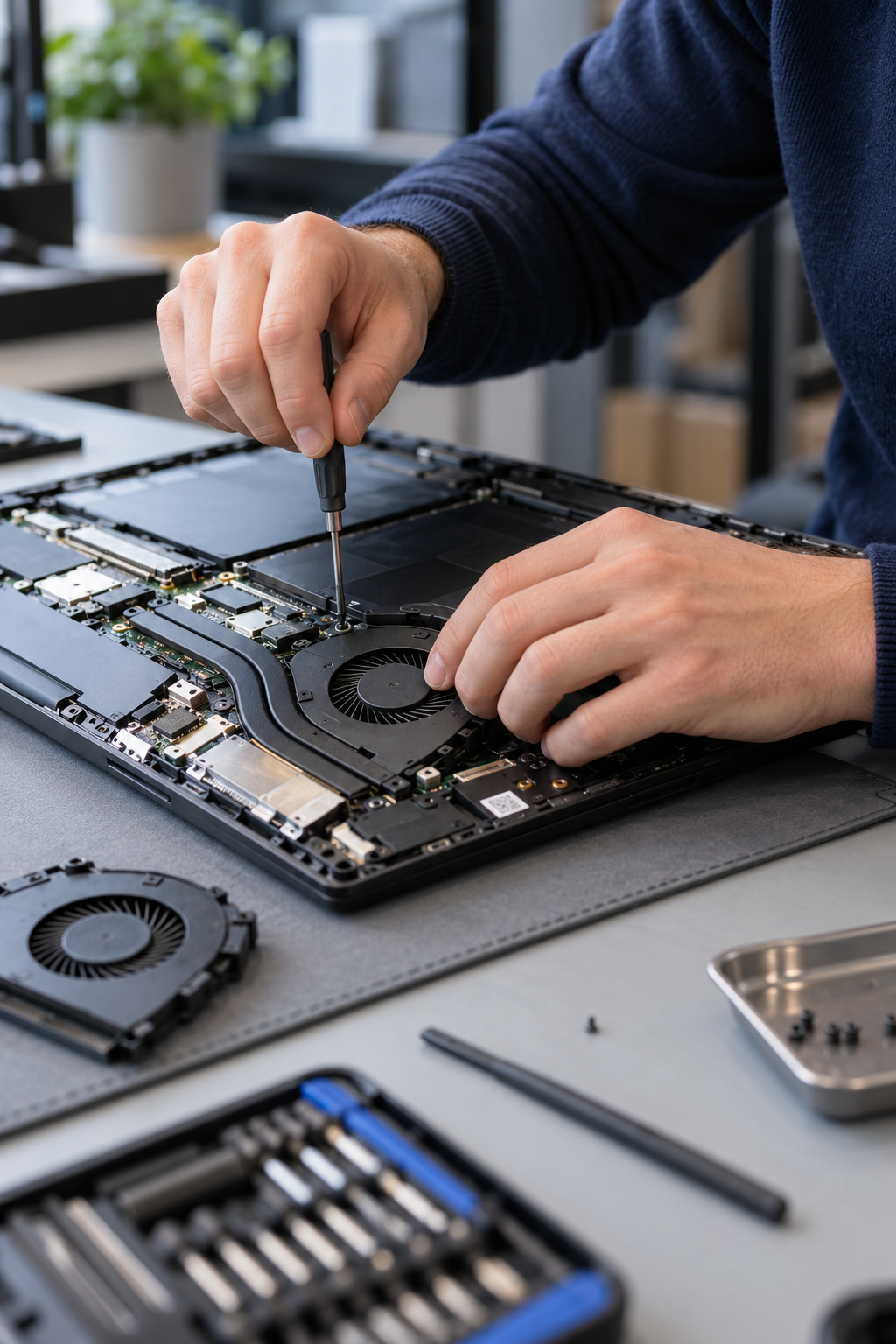
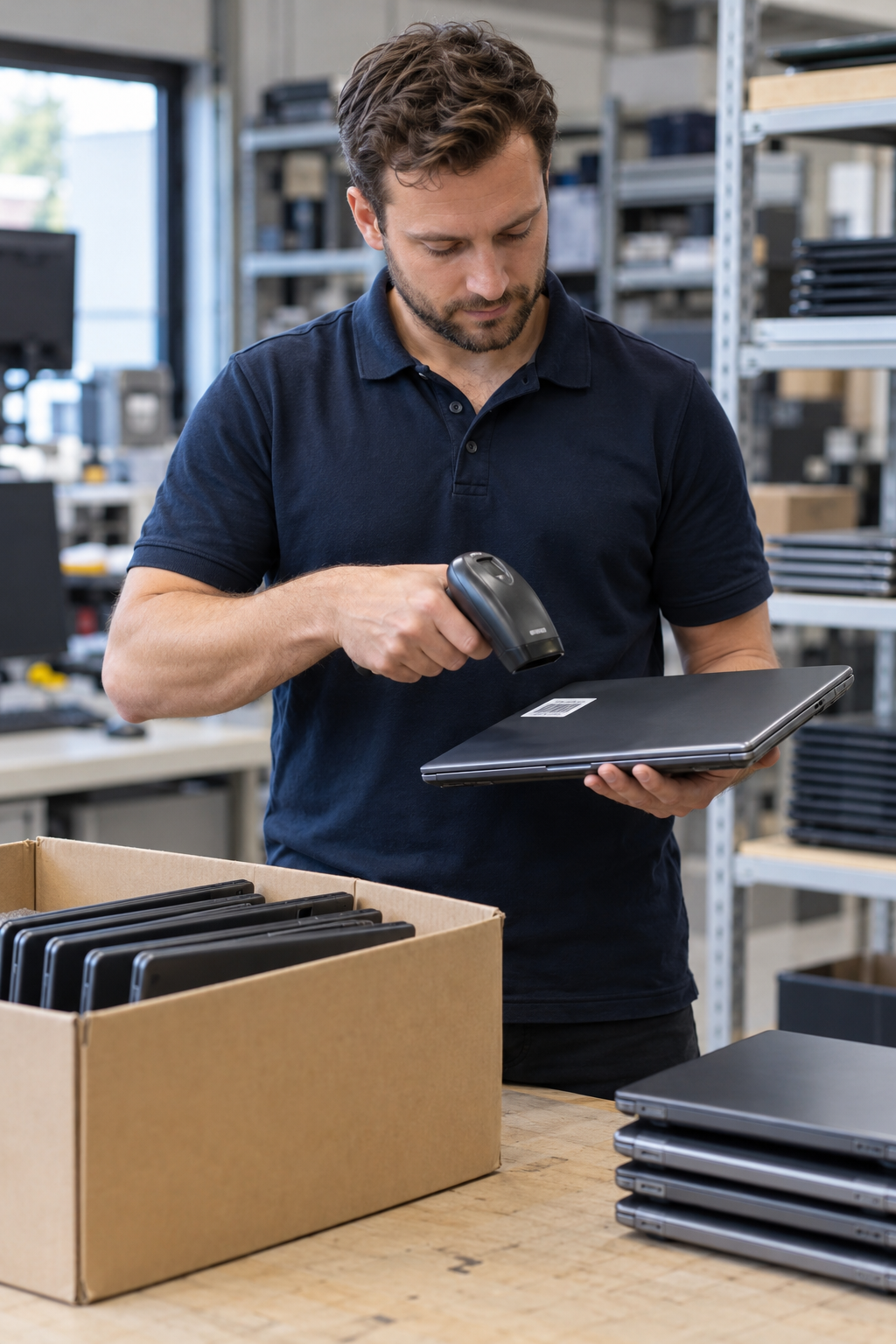
Adding new or refurbished laptops to your IT environment? We help with the preparation for Windows Autopilot and align the Microsoft Intune setup with your IT administrator. In advance we discuss the devices, desired settings and division of work.
Discuss your laptop rollout ↗
WHAT WE CAN DO FOR YOU
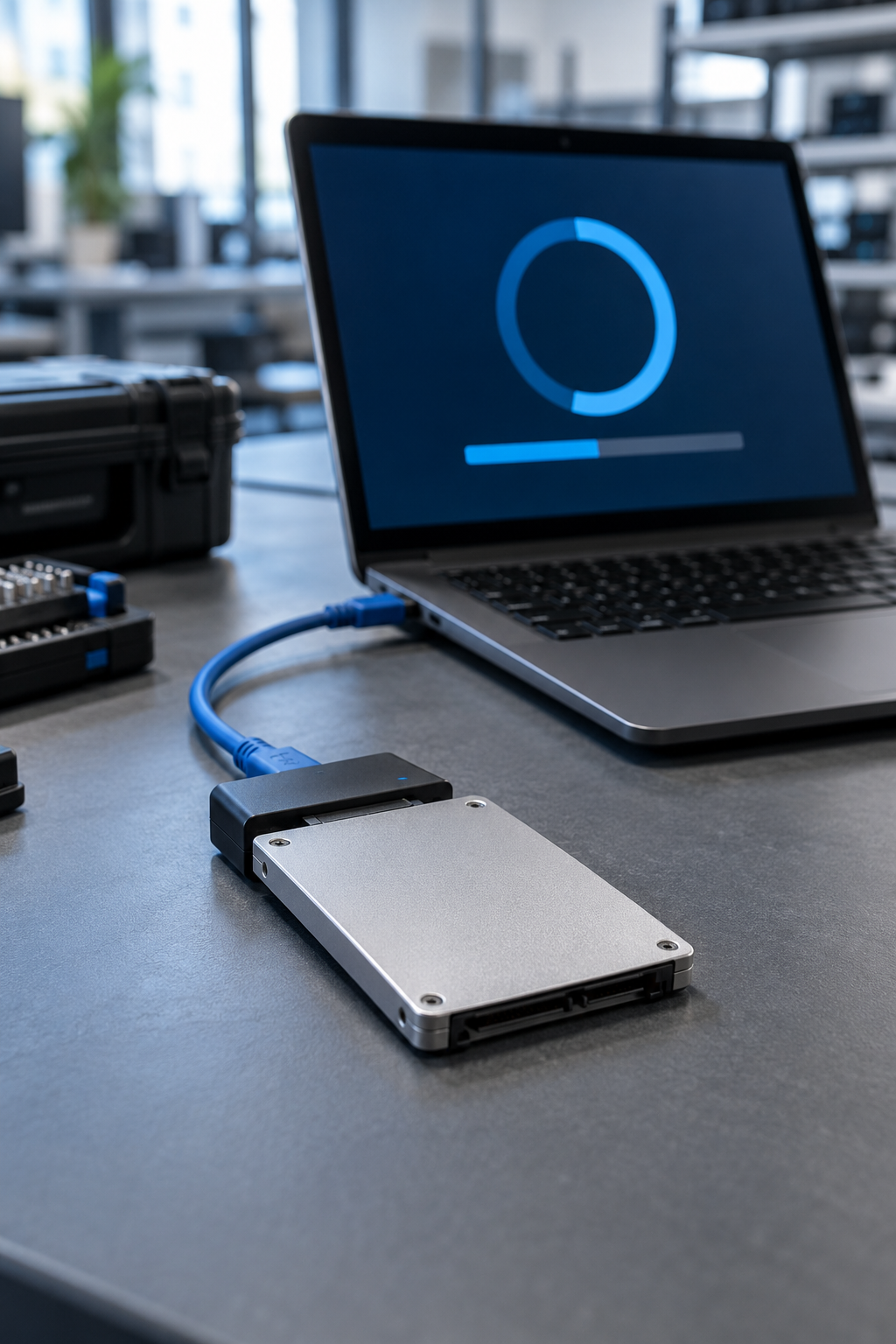
With Windows Autopilot you prepare the deployment of business Windows devices. Via Microsoft Intune the agreed applications and settings can be rolled out and devices managed. For that, the necessary licences, settings and assignments must be in place in your company environment. Registering a device alone is therefore not yet a complete setup.
You already use Intune and Autopilot. We connect to your existing management environment and discuss with your IT administrator which laptop preparation is needed. We agree the registration, desired configuration and checks before delivery. We also record which steps your own IT department or IT partner carries out.
Your environment still needs to be set up. Then we start with an inventory of your Microsoft environment, licences, applications and security wishes. Together we determine which setup is needed, who carries it out and what it costs. We first check the agreed setup on a test device before rolling out multiple laptops.
One-off setup and preparation per device are quoted separately. The costs depend, among other things, on your existing environment, the number of applications, deviating user groups and the number of laptops. We discuss licences and any ongoing management separately.
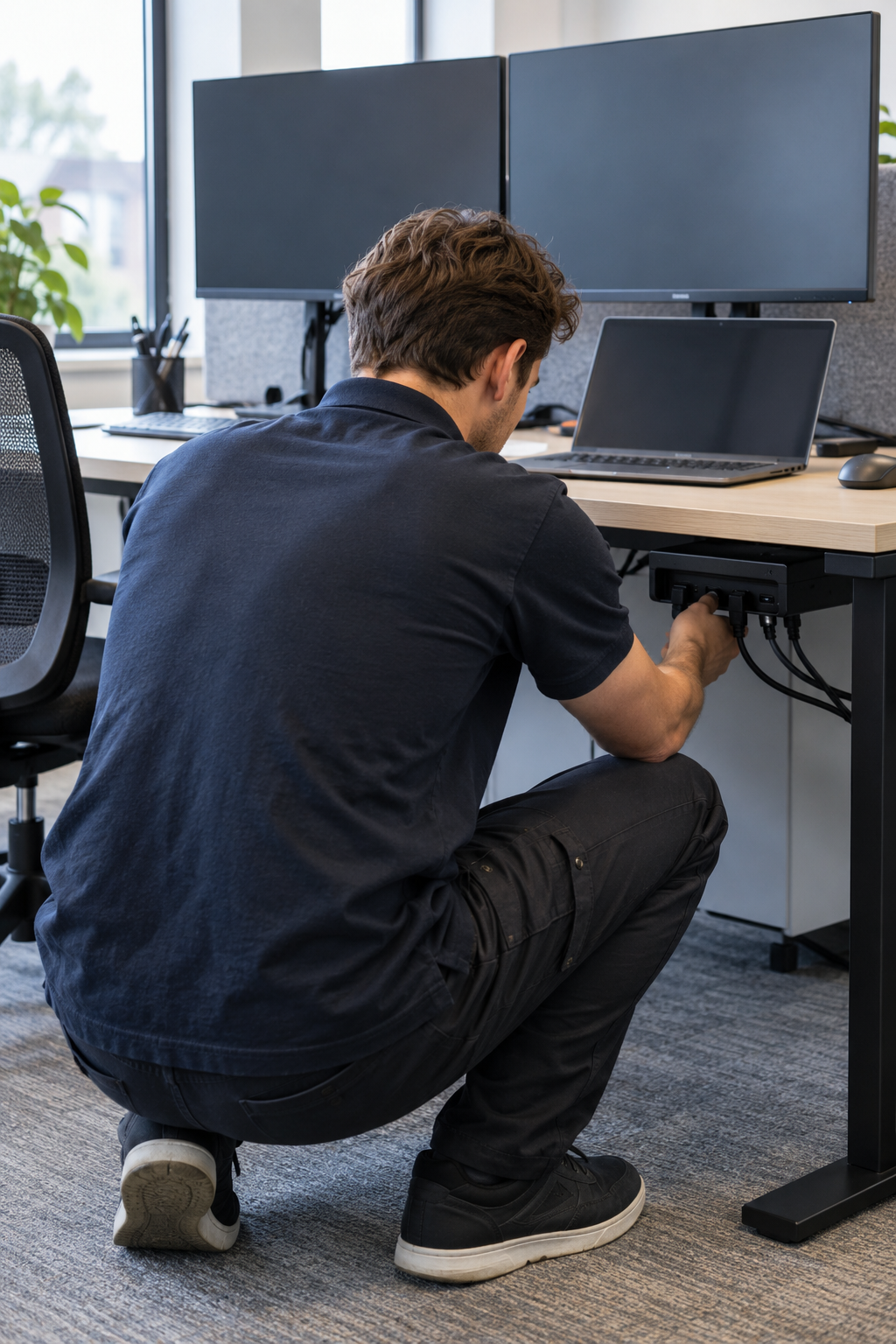
Do you also need hardware? See ordering laptops for business. For connecting computers, monitors and docking stations you can combine the preparation with setting up workstations on location.
FROM QUESTION TO EXECUTION
Four steps.
Clear agreements.
PRACTICAL QUESTIONS
For a rollout, the necessary settings, applications and assignments must be in place. Do you already have a configured environment? Then we connect to it. If not, we first take inventory of what is needed and agree who takes care of the setup. We record preparation, costs and planning in advance.
No. Registration links a device to the organisation for Windows Autopilot. The deployment profiles, applications and security settings must also be set up and assigned in your management environment. In the proposal we make clear which work is included.
We discuss that per model. We check whether the devices are suitable for the desired Windows version and rollout method. It must also be clear that any registration with a previous organisation has been removed. After that we agree the preparation and a trial rollout.
Yes. We discuss with your administrator which profiles and settings are already available and which preparation is needed for the new laptops. That way we can align with your organisation's way of working.
Yes. Appoint a contact person who manages your environment. We agree in advance who takes care of the registration, setup, tests and further management. We also agree any access to your environment separately.
During the intake we determine which registration method suits your devices and environment. We agree who collects the necessary device data, who carries out the registration and how the data is transferred securely. Your IT administrator stays involved in the link to your organisation.
Provide the quantities and models, whether you already use Intune and Autopilot and who your IT contact is. Also state the desired applications, available licences and planning. We then align technical details and any access rights with your administrator. Do not send passwords via the request form.
Licences are not automatically included with laptop preparation or setup. We discuss with your administrator which licences are present and whether they fit the desired functions. Any additional licences needed we include separately in the agreements.
We first plan a test device for the agreed setup. Together with your contact person we check the sign-in, applications and settings. We discuss any adjustments before the remaining laptops are rolled out.
One-off setup and preparation per device are quoted separately. The work depends on your existing environment, applications, user groups and quantities. You receive a proposal in advance with the agreed work. We discuss licences and ongoing management separately.
We agree that in advance with your organisation and any IT partner. Preparing and delivering laptops does not automatically mean that ongoing management or support is included. At handover we discuss who is the point of contact for updates, changes and user questions.
Briefly fill in what you need, and we will contact you within one working day.
MORE FROM QWERTY-TECH
See what else we can do for your organisation.
View all services →


Popular with this laptop