SETTING UP WORKSTATIONS ON LOCATION
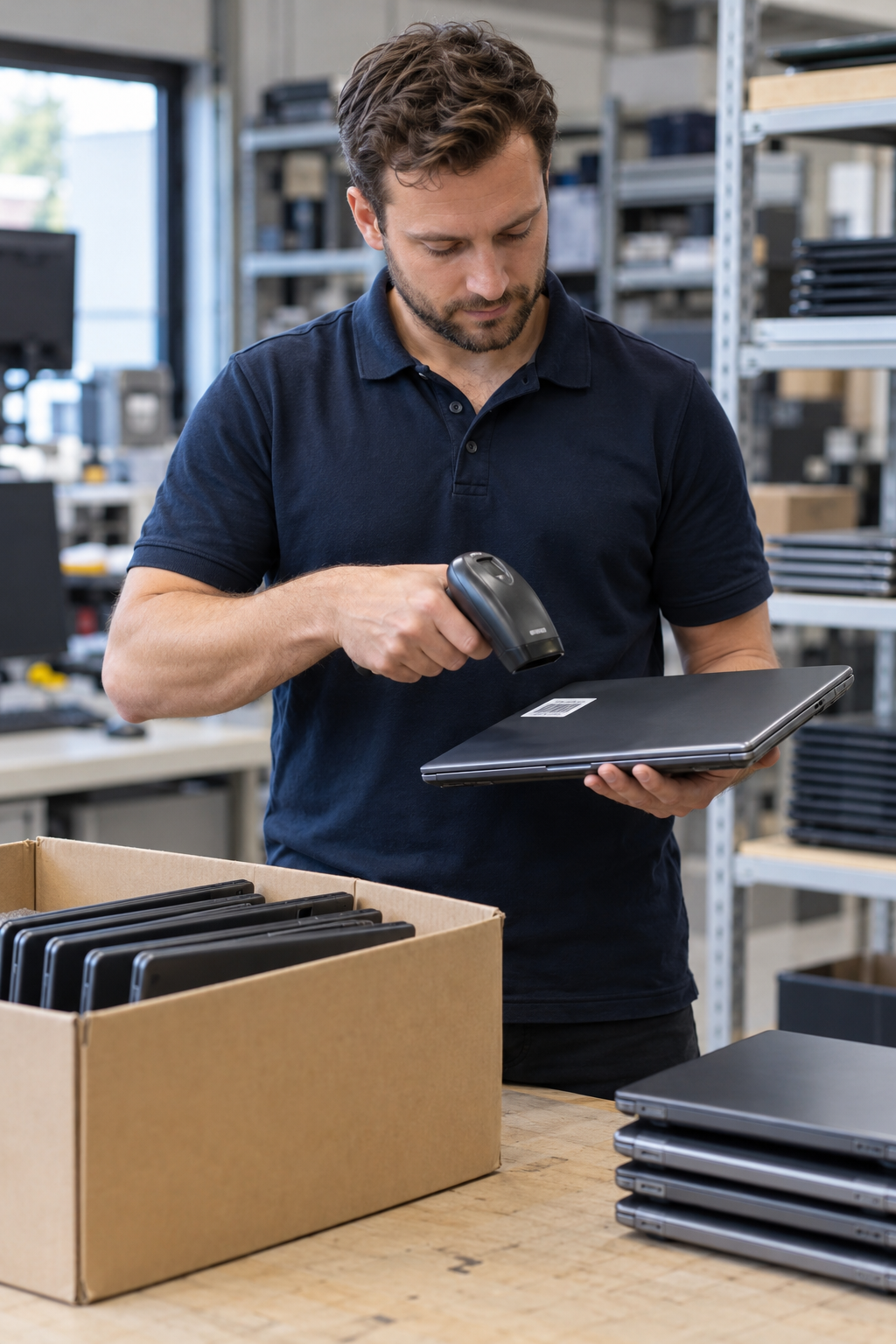
New employees, replacement of equipment or setting up several workstations at once? We help with placing and connecting laptops, desktops, monitors and docking stations. In advance we agree the work, planning and preparation with your IT contact.
Discuss your rollout ↗
WHAT WE CAN DO FOR YOU
Installing a business workstation starts with an overview of the equipment and connections. Which computers and monitors do you already use? Which docking stations fit with them? We look at what is needed to connect and check the agreed combination at the office.
Do you still need equipment? Via ordering business laptops we discuss models, quantities and configurations. For preparing laptops within your management environment you can also turn to Intune and Autopilot. Software installation, accounts and data transfer we agree separately.
For the execution we agree which power and network connections must be available and who arranges access, accounts and permission. We record what we do and what your own IT department prepares. We also agree who is reachable during the rollout and how we go through the handover together.
Replacing existing workstations? Then also discuss IT Take Back for your old equipment. When devices leave your organisation, we can include data erasure with an erasure proof per machine separately in the proposal.
FROM QUESTION TO EXECUTION
Four steps.
Clear agreements.
PRACTICAL QUESTIONS
The costs depend on the number of workstations, the equipment, the location and the work. Only connecting devices requires different preparation than a rollout with installation or data transfer. Send us your quantities, models and desired planning. We make a proposal in advance with the agreed work and costs.
We help with placing and connecting laptops, desktop computers, monitors, docking stations, keyboards and mice. In advance we look at which connections and cables are needed and whether the devices can work together. Please therefore pass on special equipment or wishes in advance.
We discuss that in advance. Send the models or an overview of your existing equipment, so we can assess which combinations and connections are possible. Any additional cables, adapters or replacement parts we include in the proposal.
That depends on the quantities, the preparation and what needs to be done per workstation. We estimate the required time in advance and align the planning with the availability of your rooms and employees. Access, equipment and the agreed preparation must be arranged at the time of execution.
Provide an overview of the devices, available power and network connections and a contact person. We agree in advance who arranges accounts, software, access rights and permission. That way your IT department knows which preparation is needed before we start.
Indicate which departments are available when. We look together at whether execution and delivery in groups suit your location and planning. We record the order and dependencies in advance.
Discuss in your request which devices you want collected. We can include collection and, if needed, data erasure separately in the proposal. In advance we agree what is handed over and how we deal with stored data.
Yes, we can transfer your files. Ask us about the options. Indicate which data you want transferred and where it is now, so we can discuss the approach and the backup arrangements with you in advance.
That depends on the work. Access, accounts and permission must be arranged. We agree who is reachable during the rollout and who checks the handover with us.
Briefly fill in what you need, and we will contact you within one working day.
MORE FROM QWERTY-TECH
See what else we can do for your organisation.
View all services →


Popular with this laptop