ON-SITE MAINTENANCE
Have your laptops and desktop computers maintained at your location. An expert team carries out the work in a secured environment within your organisation. We align staffing and planning with the number of devices and the work.
Schedule maintenance at your location ↗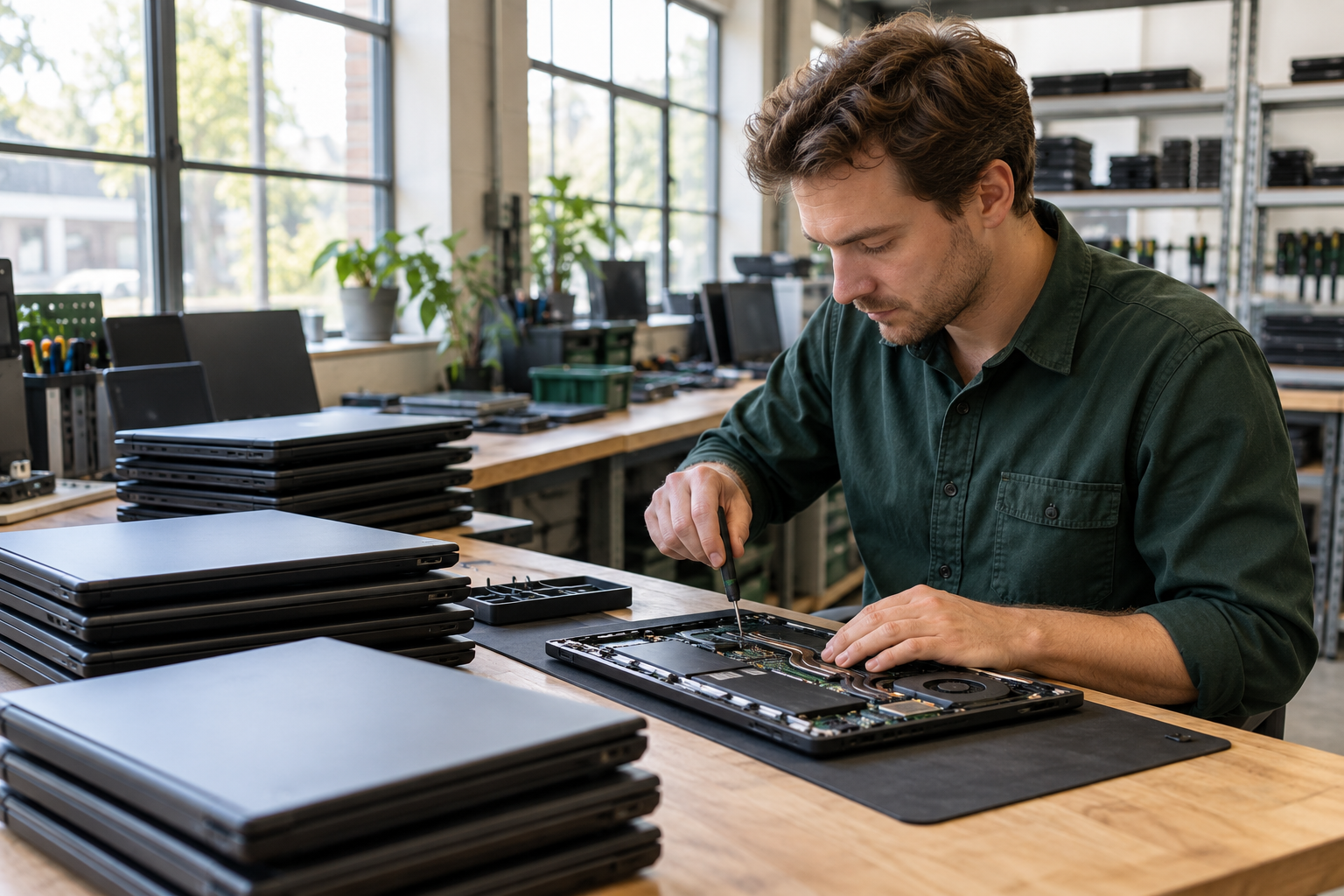
WHAT WE CAN DO FOR YOU
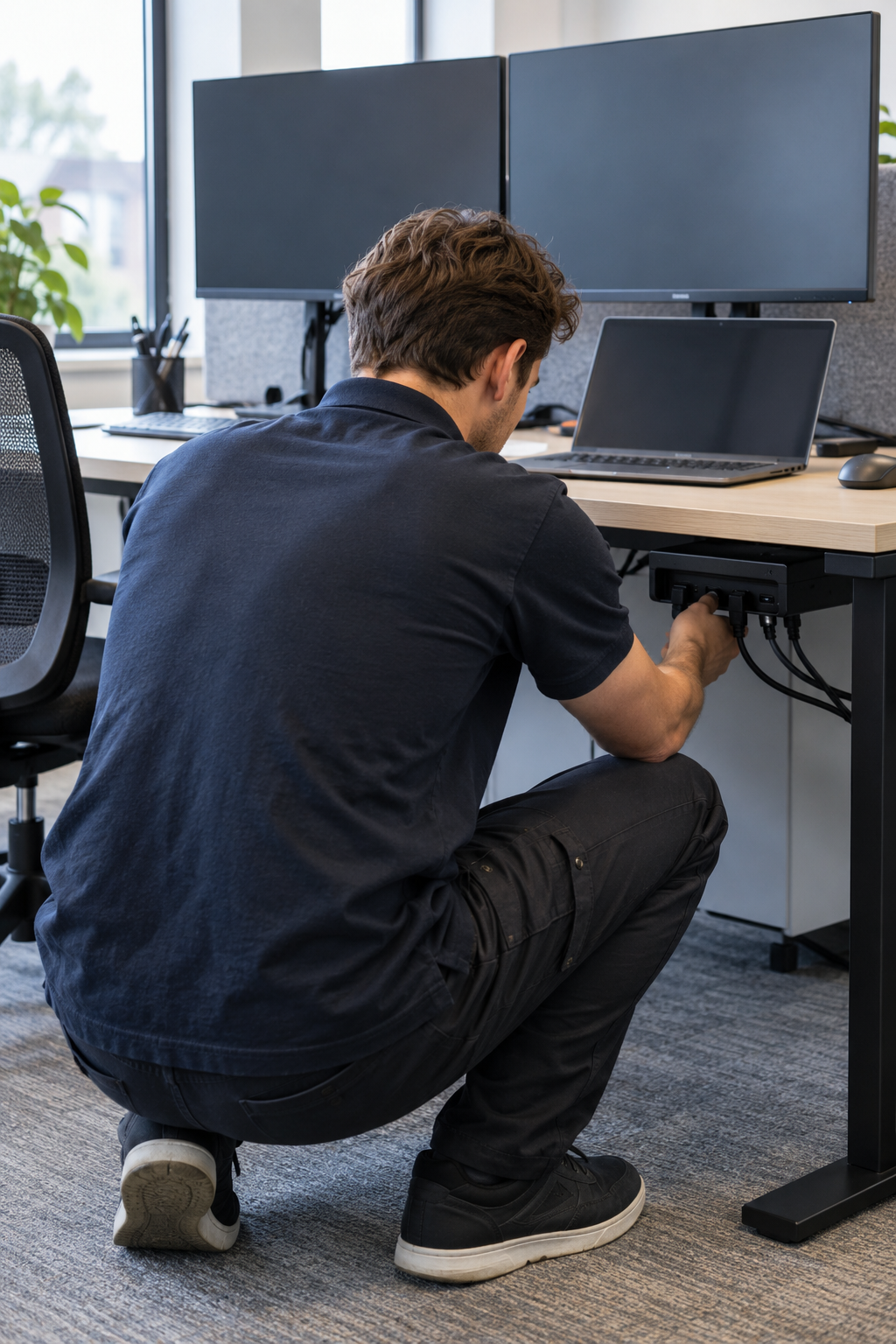
Dust in the ventilation, ageing thermal paste or parts that no longer work properly: we tackle it during a planned maintenance round. That helps your employees keep using their existing laptops and desktop computers for longer.
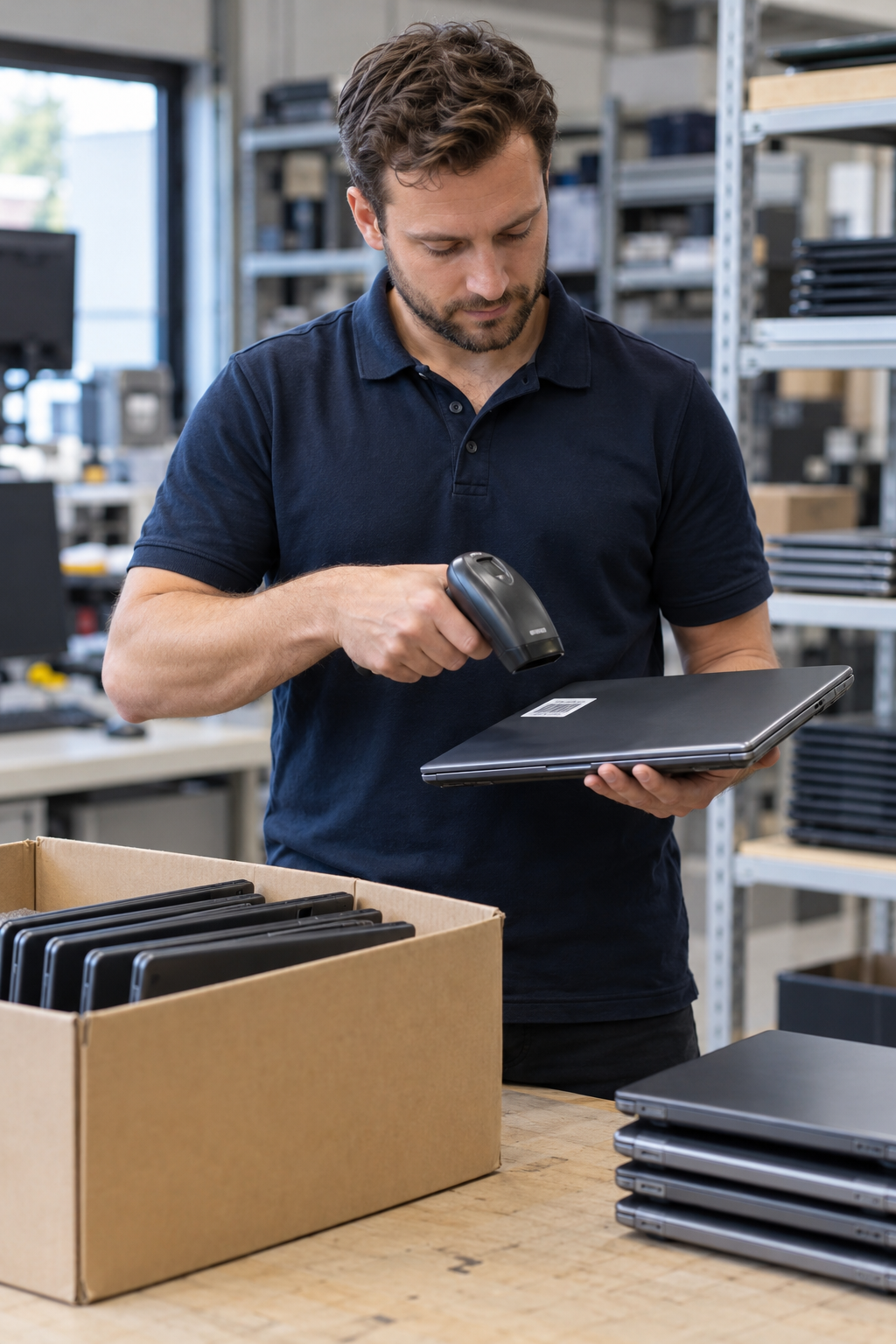
Our staff have experience maintaining business equipment. In advance we take inventory of the models and quantities, so the team comes to your location with the right knowledge, tools and agreed parts.
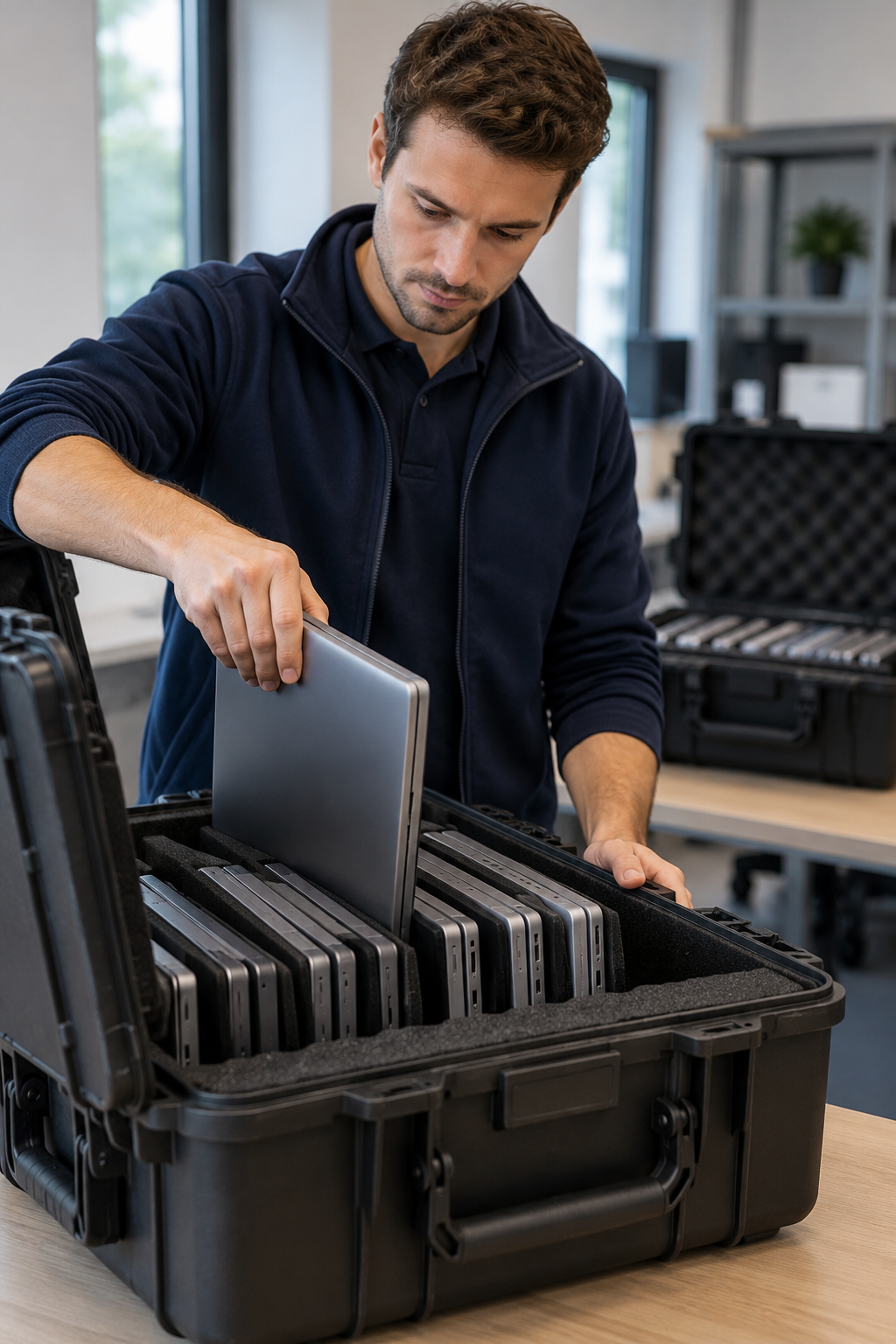
The maintenance takes place in a secured working environment. We agree the work area, access and handling of the devices with your contact person. We can also agree a moment when your employees are off, so the maintenance interrupts their work as little as possible.
We advise having laptops and desktop computers maintained once every two years. With intensive use, a lot of dust or cooling problems, earlier maintenance can be wise. That way we keep an eye on wear and contamination and you can keep working with your equipment for longer.
FROM QUESTION TO EXECUTION
Four steps.
Clear agreements.
PRACTICAL QUESTIONS
We clean the ventilation and cooling, replace the thermal paste where necessary and assess parts that no longer function properly. Replacement of, for example, BIOS/CMOS batteries or laptop batteries we agree with you. The work depends on the model and the condition of the device.
Yes, we can carry out a battery measurement per device. We can also get to work in a targeted way based on your wishes, without access to your secured digital environment. For a check via a script we prefer that your own IT colleagues run it within your environment. In advance we agree which measurement data is needed and how you share the results with us. Based on that we discuss which batteries may need to be replaced.
Yes. We maintain both business laptops and desktop computers. Provide the brands and models, so we can prepare the maintenance and the required parts.
Privacy obligations and your own security policy can be a reason to keep devices within the organisation. With on-site maintenance they stay in your own environment and you can make agreements about access and supervision. The GDPR does not require on-site maintenance in all cases; we align the approach with your organisation's requirements.
In advance we make agreements with your contact person about the work area, who has access and how devices are delivered and returned. We discuss any access to systems separately.
Yes, in consultation we schedule the maintenance at a time when your employees are not working. Think of a day off, an evening or a weekend. We agree the availability in advance and agree who gives us access and is reachable as a contact person.
We determine that based on the number of devices, the maintenance work and the available time. That way we can propose a suitable team and a feasible planning.
Not always. We discuss whether maintenance in groups or per department is possible. A device is not available for use during maintenance; therefore we agree the order in advance.
Depending on your wishes and the models we order parts in advance. That is why we like to receive the device details and known complaints in good time. Sometimes it only becomes clear during the maintenance which parts are needed, or not all information was available in advance. We then discuss the parts, costs and delivery time with you. If necessary we schedule a follow-up day to complete the replacement, check settings and inspect the devices.
Even if a repair goes beyond regular maintenance, we think along about a solution. For a defective USB-C port we look, for example, at whether repair or replacement of a component is possible. What is needed and whether it can be done on location depends on the model and the damage. We discuss the approach and costs before we continue.
We advise having business laptops and desktop computers maintained once every two years. With intensive use or a dusty environment, maintenance may be needed sooner. In case of overheating, failures or other complaints, do not wait until the next maintenance round.
In the proposal we record which work and parts are included. If it turns out during maintenance that additional replacement is needed, we agree that with you first.
Yes, you receive an invoice with VAT specification for the work carried out and the parts supplied.
Maintenance starts from €49 per device. The price depends on the model and the work. With some devices we have to remove, for example, the motherboard or the top of the casing — the palm rest — to reach the cooling. As a result, maintenance on a single device can take about an hour. In advance we estimate the required time and costs. We plan accordingly. If it turns out during maintenance that more work is needed, we discuss that with you first, so you are not faced with unexpected extra costs afterwards.
That depends on the model, the work and the number of devices. For larger quantities more time is needed. In advance we estimate the total turnaround time and discuss how much time your organisation has available. Where possible we schedule the maintenance in groups or per department. That way not all employees have to hand in their device at the same time.
We would like to receive the number of devices, the brands and models, any complaints and your desired planning. With that we can estimate the work and required time as well as possible. Don't have time to look up all models, or does your organisation use many different devices? Then at least provide the quantities. We make a provisional cost estimate with extra room for differences between the models. In advance we discuss the assumptions and what this means for the proposed rate.
Briefly fill in what you need, and we will contact you within one working day.
MORE FROM QWERTY-TECH
See what else we can do for your organisation.
View all services →


Popular with this laptop