


Your workstation.
Fully complete.
A great working day starts with the right equipment. Combine a refurbished business laptop or desktop with screens and accessories that suit the way you work.
Discover your workstation ↓For home, at the office and for the whole team.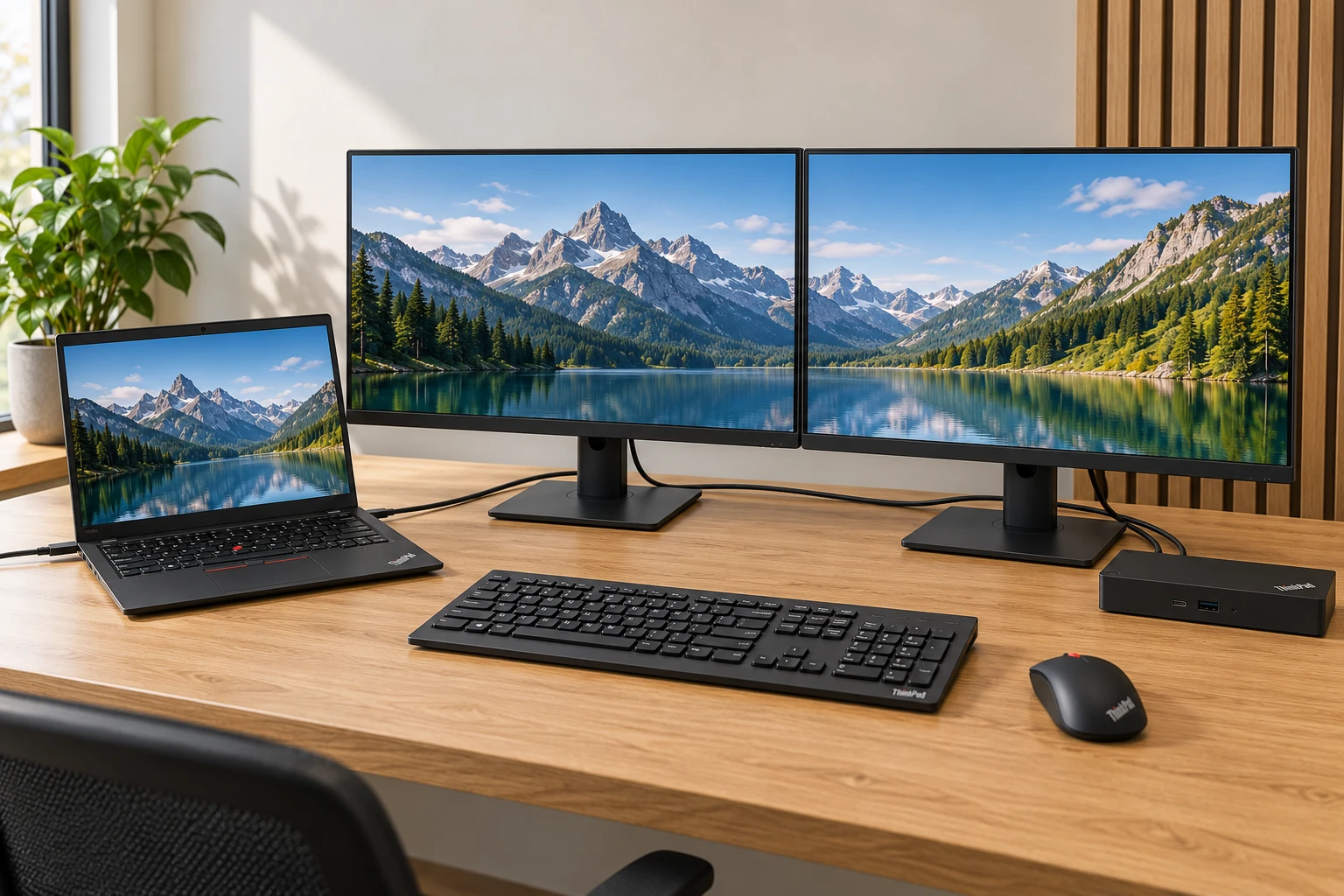 Indicative image
Build a workstation: laptop or desktop?
Choose your base and build a complete workstation with screens and accessories.
Example setupA laptop workstation
Take your work with you. Combine your laptop with extra screens, a suitable docking station and your favourite accessories.
- Work flexibly in different places
- One, two or three external screens
- Choice of refurbished business laptops
 Example setup
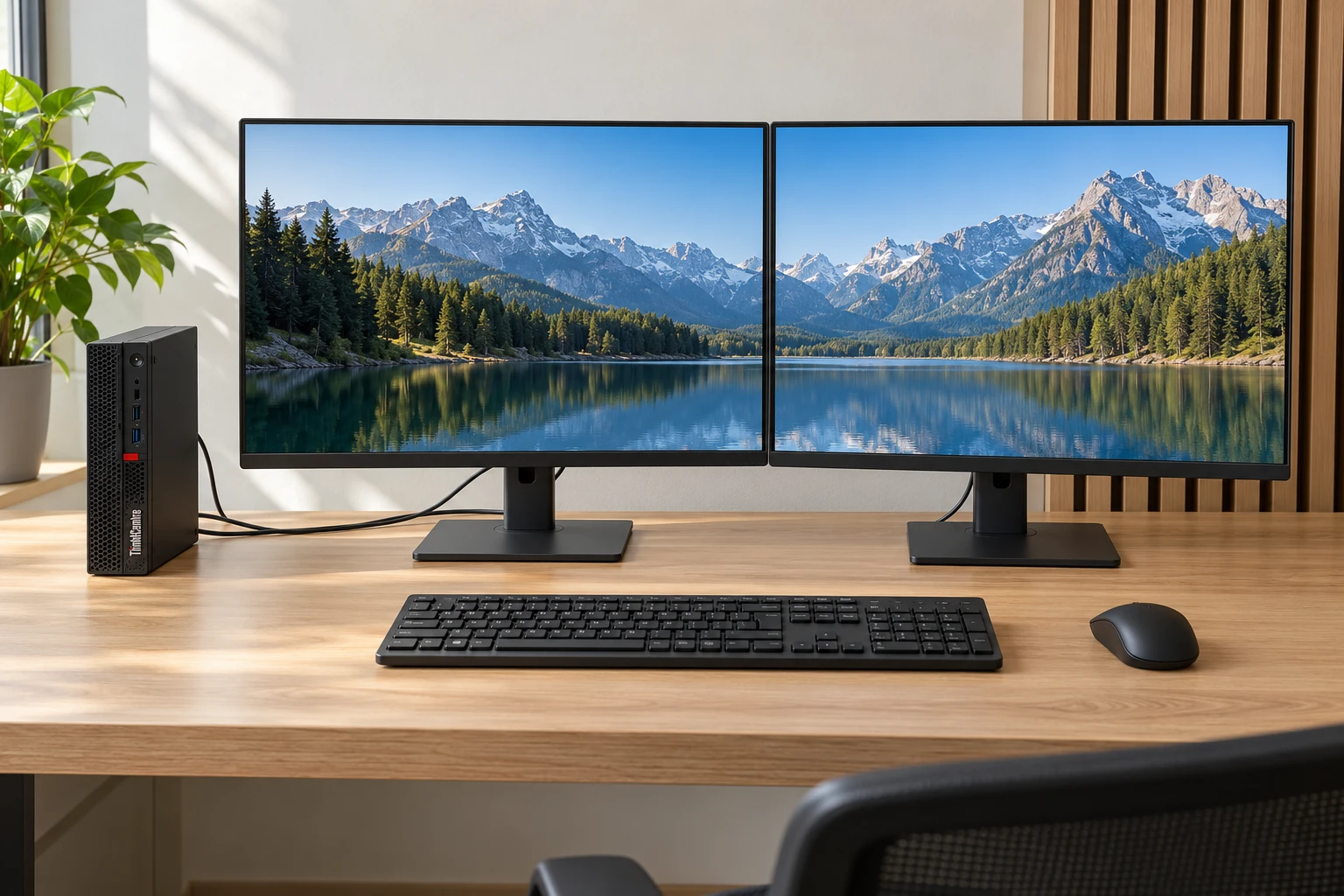
A computer workstation
Set up your desk around a business desktop. Choose the monitors, a monitor arm and accessories for your daily work.
- A permanent base at the office or at home
- Choose the number of screens yourself
- The same setup for your team
What do you need for a complete workstation?
You decide what you need. An extra screen for overview, a dock to connect your laptop, or a keyboard and mouse for comfortable working.
- Choose your laptop or desktop
Compare models, specifications and available conditions.
- Make room for overview
Choose your monitor and the number of screens per workstation. Add a monitor arm if you like.
- Finish your setup
Choose a docking station and accessories. Check your products and the total in the overview.
One workstation. Or a whole team.
Two screens and one laptop per employee? Build one workstation and then choose the number of workstations. The configurator calculates the quantities and available volume prices for you.
Start building →Setting up your home workstation with computer equipment
Setting up a home workstation starts with the work you do there. Do you mainly work with documents and email, or do you use software that demands more of your computer? Then determine how much screen space you need and which accessories you already own. These configurators help you with the computer equipment; the desk and chair in the example images are not included.
With a laptop workstation build you choose a mobile base that you can take with you. A computer workstation build suits a permanent setup. You decide which screens and accessories to add.
A refurbished workstation that suits your use
For your workstation you can start with one of our refurbished laptops or refurbished desktops. Compare not only the appearance, but also the processor, memory, storage and ports. Together with your software, these determine which computer is suitable for your daily tasks.
Want to know what to expect from previously used equipment? Then read what refurbished means and our explanation of the different product conditions. That way you can compare the models on offer better.
Monitors and accessories for a complete workstation
A larger screen can be pleasant for documents, while two screens give room to use several programs side by side. Compare the monitors on size and resolution. For a laptop a suitable Lenovo docking station can make connecting your desk equipment easier.
Complete the setup as needed with a mouse and keyboard. With multiple screens, always check the computer's support, the ports and any dock. The example image gives an impression of the setup; the configuration overview shows your chosen products.
Frequently asked questions
Can I combine two screens with one laptop?
Yes. Choose your monitor and set the number to two. Whether both screens work depends on the laptop, ports, resolution and docking station. Ask us for advice if you are unsure about the combination.
Do I always need a docking station?
That depends on your laptop and the devices you want to connect. A dock can make connecting to your desk easier. With a desktop a laptop dock is generally not needed.
What does refurbished mean?
A refurbished computer has been used before and is checked and prepared for a next user. In the configurator you see the available condition and specifications per model. You get 24 months of warranty.
Can I order several identical workstations?
Yes. In the overview choose the number of complete workstations. A setup with two screens becomes eight screens for four workstations. Available volume discounts are included automatically.


